
how to recover deleted files from an external hard drive.
May 20, 2026
Accidentally deleting files from an external hard drive can feel final, but in many cases, recovery is still possible. Whether the missing data includes work documents, family photos, videos, or archived backups, the first actions you take can directly affect the chances of getting those files back.
The most important rule is simple: stop using the external hard drive immediately. In many deleted-file cases, the data itself is not erased right away. Instead, the system marks that space as available for reuse. Until new data is written over it, the deleted files may still be recoverable.
why deleted files from an external hard drive may still be recoverable.
When a file is deleted from an external hard drive, the operating system usually removes the reference to the file before the underlying data is replaced. That is why deleted file recovery is sometimes possible, especially when the drive has not been used much after the deletion happened.
Recovery chances usually depend on a few key factors:
whether the drive is an HDD or SSD
whether new data was written after deletion
whether the drive was reformatted after deletion
whether recovery attempts were already made
This is why the first response matters so much. A careful first step can preserve recoverable data. A rushed one can make recovery much harder or even impossible.
first steps that improve your chances.
1. stop using the drive immediately.
Do not save, copy, move, delete, or install anything on the external hard drive. In many deleted-file cases, the data may still be present until new data overwrites it. The less the drive is used, the better the chances of recovery.
2. avoid making changes to the drive.
Do not reformat the drive or make other changes that could write new data to it before you understand the situation. Even a quick format can make deleted file recovery more difficult.
3. choose the next step carefully.
If the drive is an HDD and the deletion was recent, a careful DIY recovery attempt may be possible. If the drive is an SSD, if the deleted files are especially important, or if recovery attempts have already been made, it is usually better to proceed more cautiously. External SSDs can permanently clear deleted data much faster because of TRIM and internal cleanup processes. To learn more, see our related articles on HDD vs SSD data recovery techniques and TRIM and SSD data recovery.
when DIY recovery may be reasonable.
A careful DIY recovery attempt may be reasonable when the external hard drive is functioning normally, the deletion was recent, and no formatting or repair attempts have been made. This usually applies to straightforward logical data loss rather than more complex recovery situations.
If you decide to try recovery software, do not install it on the same external hard drive. Instead, use another drive or computer for the software and save any recovered files to a different destination. In higher-value cases, professional recovery is often the safer first choice.
when to stop and ask a professional.
Professional help is usually the better option when:
the deleted files are business-critical or irreplaceable
the drive is an SSD and the deletion was recent
the drive was formatted after the files were deleted
software recovery attempts have already been made
If you are unsure whether continued DIY attempts could make recovery harder, it is usually better to stop before making additional changes to the drive.
You can learn more about our lost file recovery, hard drive data recovery, and data recovery process if you are deciding what to do next.
common mistakes to avoid.
Many recoverable cases become worse or even unrecoverable because of the wrong first move. Common mistakes include:
continuing to use the external hard drive after deletion, including copying new files or installing software on the same device
reformatting the drive
trying multiple recovery tools without a clear plan
assuming SSD recovery works the same way as HDD recovery
Even when deleted files are still present, these actions can reduce or completely eliminate the chance of recovery.
what to do after deleting files from an external hard drive.
If you deleted files from an external hard drive, the first steps matter. Acting quickly and carefully can improve your chances of successful external hard drive data recovery, while the wrong move can reduce those chances or even make recovery impossible.
Kotar Data Recovery has extensive experience with deleted file recovery, formatted drive recovery, and other logical data loss cases involving external hard drives. Our specialists use professional recovery methods to protect remaining data and maximize the chances of restoring important documents, photos, videos, and business files. If the deleted data is too valuable to risk, contact Kotar Data Recovery for a free evaluation.
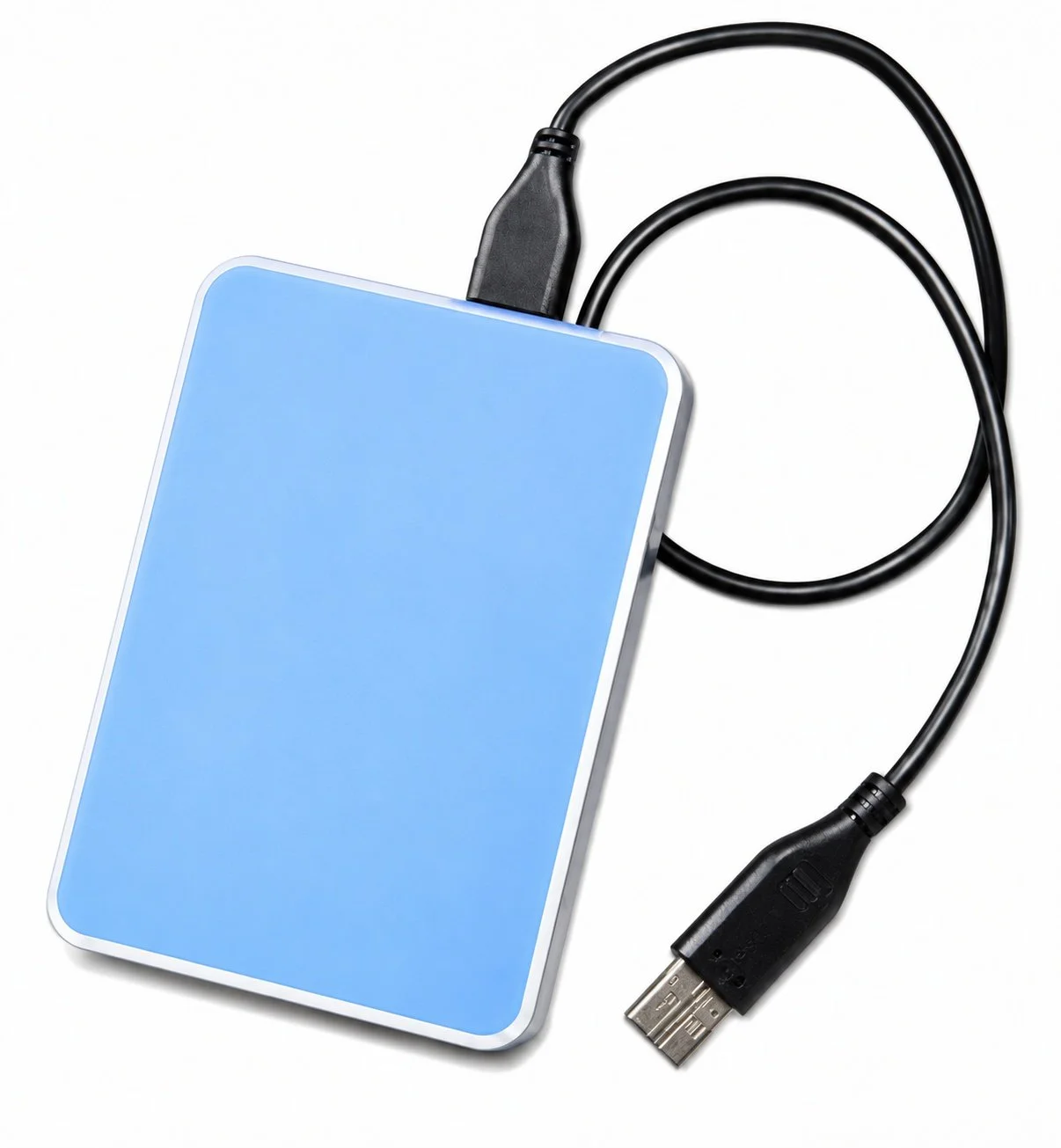
An external hard disk with a USB cable, representing external hard drive data recovery and deleted file recovery services at Kotar Data Recovery.