
what your iPhone knows about your data: why it matters for iPhone data recovery.
April 14, 2026
Your iPhone knows far more about your data than most people realize. Even when files appear deleted, inaccessible, or lost, the device often retains detailed information about what existed, where it was stored, and how it was used.
This internal knowledge is one of the reasons iPhone data recovery can sometimes succeed even after files appear to be deleted. iOS continuously tracks file locations, encryption states, and system activity, which can determine whether lost data can still be identified and recovered.
Understanding how your iPhone manages and organizes this information helps explain why data loss occurs and when professional iPhone data recovery may still be possible.
your iphone tracks more than visible files.
Most users think of data as photos, messages, contacts, or apps they can see on the screen. In reality, iOS tracks much more than what appears in front of you.
Behind the interface, your iPhone maintains records about file locations, timestamps, database entries, encryption states, and system activity. These records help iOS manage performance and security, but they also create a structured map of your data.
Even if a file no longer appears inside an app, traces of its existence may still remain within the system. This underlying structure is often central in iPhone data recovery cases.
deletion does not mean immediate erasure.
When you delete data on an iPhone, the device does not instantly erase it.
In many situations, iOS removes the references that allow the system to display the data, while the underlying information remains until it is overwritten by new data. This is why recently deleted photos, messages, and app data may sometimes be recoverable.
However, iPhones use encryption by default. Access to deleted data depends heavily on whether the encryption keys remain intact. If those keys are destroyed or replaced, the data becomes permanently inaccessible, even if it still physically exists on the storage components.
This is one of the core technical challenges in professional iPhone data recovery.
ios remembers structure, not intent.
Your iPhone does not understand why you delete something. It manages structure, not intent.
iOS organizes information through databases, indexes, and allocation tables. When something goes wrong, such as a failed update, storage corruption, or sudden power loss, those structures may become damaged while the raw data remains untouched.
This is why some iPhone data loss cases involve missing or corrupted content that technically still exists on the device. The system may still hold the data, but it no longer knows how to reference or assemble it correctly.
In these situations, recovery depends on whether the structural damage can be safely analyzed and reconstructed.
apps leave digital footprints.
Every app interacts with storage differently.
Messaging apps, email clients, social platforms, and business tools create databases, cache files, logs, and temporary records. Even after an app is deleted, portions of its data may persist until they are overwritten by the system.
In certain iPhone data recovery scenarios, these remnants can help specialists identify what was stored on the device and when it was last accessed. They can also explain why some data disappears while other data remains intact.
when iphone storage becomes completely full.
Another situation that can lead to sudden data access problems is when iPhone storage becomes completely full.
When the internal storage reaches its maximum capacity, iOS may no longer be able to create temporary system files required for normal operation. These files support tasks such as caching, logging, and managing background processes.
As a result, the device may begin to behave unpredictably. The iPhone may run extremely slowly, stop saving photos, or repeatedly crash apps.
On newer models, particularly devices starting with iPhone X, completely full storage can cause the phone to enter a boot loop or remain stuck on the Apple logo.
In these situations, the data may still exist on the device. The operating system simply cannot manage or access it properly because the file system has no remaining space to function.
why a full storage state can become dangerous.
When an iPhone reaches 100 percent storage capacity, several system problems can occur at the same time.
iOS may no longer be able to create system cache files, and system logs may accumulate faster than they can be processed. In some cases, the APFS file system can begin to experience structural corruption.
One of the biggest risks occurs when users attempt a forced restore or system update while the device is already unstable. A restore process can permanently erase the data that still exists on the device.
If the phone is still accessible, restarting it can also make the situation worse. Restarting often forces the system to rebuild temporary files and logs, which may trigger a boot loop when the storage is already full.
backups are snapshots, not mirrors.
iCloud and local backups capture your iPhone at specific points in time. They do not continuously mirror every change that occurs on the device.
If data is lost between backups, it may exist only on the device itself. Many users assume their backup protects everything, but gaps between backup cycles can result in permanent data loss.
If important data disappears from your iPhone and it is not available in a backup, recovery may still be possible depending on the condition of the device and how the data was lost. In these situations, professional iPhone data recovery can help evaluate whether the information still exists on the device.
when your iphone stops sharing what it knows.
There are situations where your iPhone still contains data but cannot provide access to it.
Severe system corruption, hardware failure, liquid damage, or security lockouts can prevent access to internal storage. In these cases, recovery depends not only on whether the data exists, but also on the:
encryption state
hardware condition
integrity of system components
storage health
This is where professional iPhone data recovery becomes highly technical and requires specialized equipment and analysis.
why professional data recovery matters.
Your iPhone is not just a container for files. It is a structured system that constantly tracks, organizes, and protects information.
When data is lost, what matters is not only what you can see on the screen, but what the device still retains internally. Acting quickly and avoiding resets, updates, restore attempts, or continued usage can significantly improve the chances of recovery.
If your iPhone has experienced data loss, professional evaluation is often the safest next step.
At Kotar Data Recovery, we analyze system behavior, encryption states, and hardware conditions to determine whether recovery is possible. Our iPhone data recovery process is designed to minimize risk and protect the data that still exists within the device.
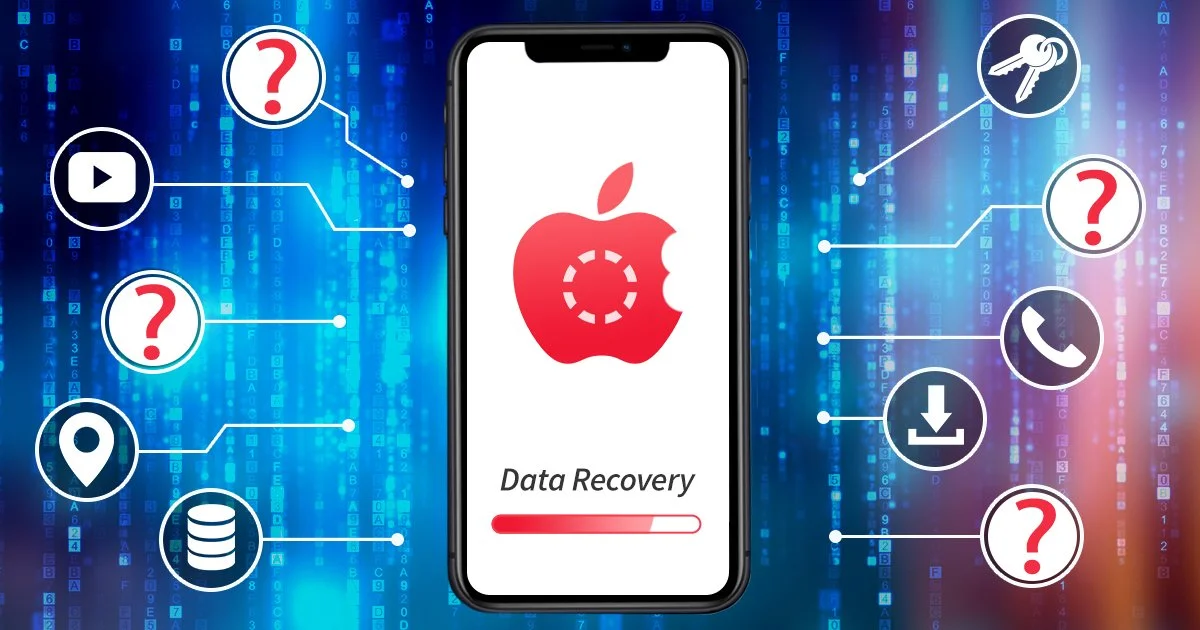
An iPhone displaying the idea of stored personal data, privacy, and digital evidence, illustrating how iPhones retain information that can affect iPhone data recovery outcomes.