
can heat damage your hard drive, SSD, or phone? what to know about data recovery.
August 17, 2026
Summer heat can be hard on storage devices. A phone left in a hot car, a laptop used in direct sunlight, an external hard drive stored in a garage, or an SSD running in a poorly ventilated computer can all put important data at risk.
Hard drives, SSDs, phones, USB drives, and memory cards are built for everyday use, but excessive heat can damage internal components, speed up wear, and cause sudden file access problems. Sometimes the device fails right away. Other times, it works for a while and becomes unstable later.
If your device overheated and now files are missing, the drive is not detected, the phone will not turn on, or the computer keeps freezing, stop using the device and avoid repeated restarts. Heat-related damage can become worse when a device continues running under stress.
how heat can damage storage devices.
Heat affects storage devices in different ways depending on the device type, temperature, exposure time, and whether the device was powered on.
High temperatures can:
Stress circuit boards and electronic components
Weaken solder joints
Damage batteries in phones and laptops
Increase read and write errors
Accelerate wear in NAND flash memory
Make existing hard drive problems worse
Cause sudden shutdowns or failed transfers
Lead to file system corruption
A device does not need to melt or look damaged to suffer from heat-related failure. Even if the outside looks normal, the internal storage may no longer be stable.
common heat-related data loss situations.
Heat damage often happens during normal summer activities. Many people do not realize the device was exposed to unsafe temperatures until the files are already inaccessible.
Common situations include:
A laptop left inside a parked car
A phone overheating on a dashboard or beach towel
An external hard drive stored in a hot garage
Backup drives kept near a window
A phone charging under a bag, pillow, or blanket
A computer running heavy tasks in a hot room
Business equipment left in a work vehicle
Storage devices packed tightly in luggage
In San Jose and throughout the Bay Area, summer heat can affect both personal and business devices, especially during travel, moving, remodeling, commuting, and home office use.
signs your device may have heat damage.
Heat-related failure can look like many other types of data loss. The device may still power on, but that does not always mean it is safe to keep using.
Warning signs include:
The device feels unusually hot
The computer or phone shuts down unexpectedly
The hard drive clicks, beeps, or grinds
The SSD is no longer detected
The phone will not turn on
Files or folders are missing
The device freezes during startup
Transfers fail or stop halfway
The drive connects and disconnects repeatedly
The system shows error messages
If the data is important, do not keep forcing the device to work. Continued use can make recovery more difficult.
heat and hard drive data recovery.
Hard drives are especially sensitive to heat because they contain moving parts. Excessive heat can affect the motor, heads, platters, bearings, and electronics. If a hard drive was already aging or developing weak sectors, heat can push it into more serious failure.
A heat-stressed hard drive may become slow, disappear from the computer, make unusual sounds, or stop spinning correctly. If the drive starts clicking, beeping, grinding, or freezing the system, shut it down and avoid repeated restarts.
Professional HDD Recovery may be needed when a hard drive has been exposed to heat and is no longer working normally.
heat and SSD data recovery.
SSDs do not have moving parts, but they can still fail after heat exposure. SSDs use NAND flash memory, a controller, firmware, and electronic components that can become unstable when exposed to excessive temperatures.
An overheated SSD may show symptoms such as slow performance, boot failure, file corruption, sudden disappearance from the system, or detection problems. Because SSD recovery can be complex, avoid repeated power cycles if the drive becomes unstable.
For SSDs that are no longer detected, failing after overheating, or showing file access problems, professional SSD Recovery can help determine whether the data can still be recovered.
heat and phone data recovery.
Phones are often exposed to heat during summer travel, beach days, road trips, outdoor work, and long charging sessions. A phone may overheat in a car, near a window, on a patio table, or while using GPS, video recording, or multiple apps.
Heat can damage the battery, logic board, screen, internal connectors, and storage components. If the phone will not turn on, keeps restarting, gets extremely hot while charging, or will not stay on long enough to back up files, stop trying to force it to work.
If the phone contains important photos, videos, contacts, messages, or app data, professional evaluation may be the safer next step.
what to do if your device overheats.
If a device becomes very hot, move it away from direct sunlight and let it cool naturally in a dry, shaded place. Do not put it in a refrigerator or freezer. Sudden temperature changes can cause condensation and create additional damage.
After overheating:
Power the device off if it is safe
Disconnect chargers and cables
Let the device cool at room temperature
Do not shake, tap, or open the device
Do not keep restarting it if it fails
Do not run repair utilities on unstable storage
Do not copy new files onto the device
Back up important files immediately if it becomes stable
If the device cools down and works normally, copy important files to another reliable storage location as soon as possible. A device that has overheated may become unstable later.
how to protect your data from summer heat.
The best protection is prevention and reliable backup.
To reduce the risk of heat-related data loss:
Do not leave phones, laptops, or drives in parked cars
Keep external drives away from direct sunlight
Store backup drives in a cool, dry place
Keep computers and drives well ventilated
Avoid charging phones under pillows, blankets, or bags
Do not run large file transfers while a device is overheating
Replace aging drives before they fail
Keep more than one backup copy of important files
Heat damage is not always immediate, so take overheating seriously. If a device has already been exposed to high temperatures, use that as a warning sign and back up the files while you still can.
when heat-related data loss needs professional help.
Professional data recovery may be the safer option when a device has overheated and no longer works normally after cooling down.
Seek help if the hard drive clicks or freezes the computer, the SSD is no longer detected, the phone will not turn on, files disappeared after overheating, or the device was left in a hot car or direct sunlight for a long time.
A professional recovery lab can evaluate whether the problem is mechanical, electronic, firmware-related, or file-system related, while avoiding unnecessary stress on the device.
professional heat-related data recovery in san jose and the bay area.
Kotar Data Recovery provides professional data recovery in San Jose for customers throughout the Bay Area and Northern California. We help recover data from hard drives, SSDs, phones, flash drives, memory cards, RAID systems, and other storage devices affected by heat, corruption, electronic failure, physical damage, and other data loss situations.
If your device overheated and now files are missing, the drive is not detected, the phone will not turn on, or the system keeps freezing, avoid repeated attempts to force it to work.
Contact Kotar Data Recovery for professional evaluation and recovery options. The sooner the device is protected from further use, the better the chance of preserving the data.
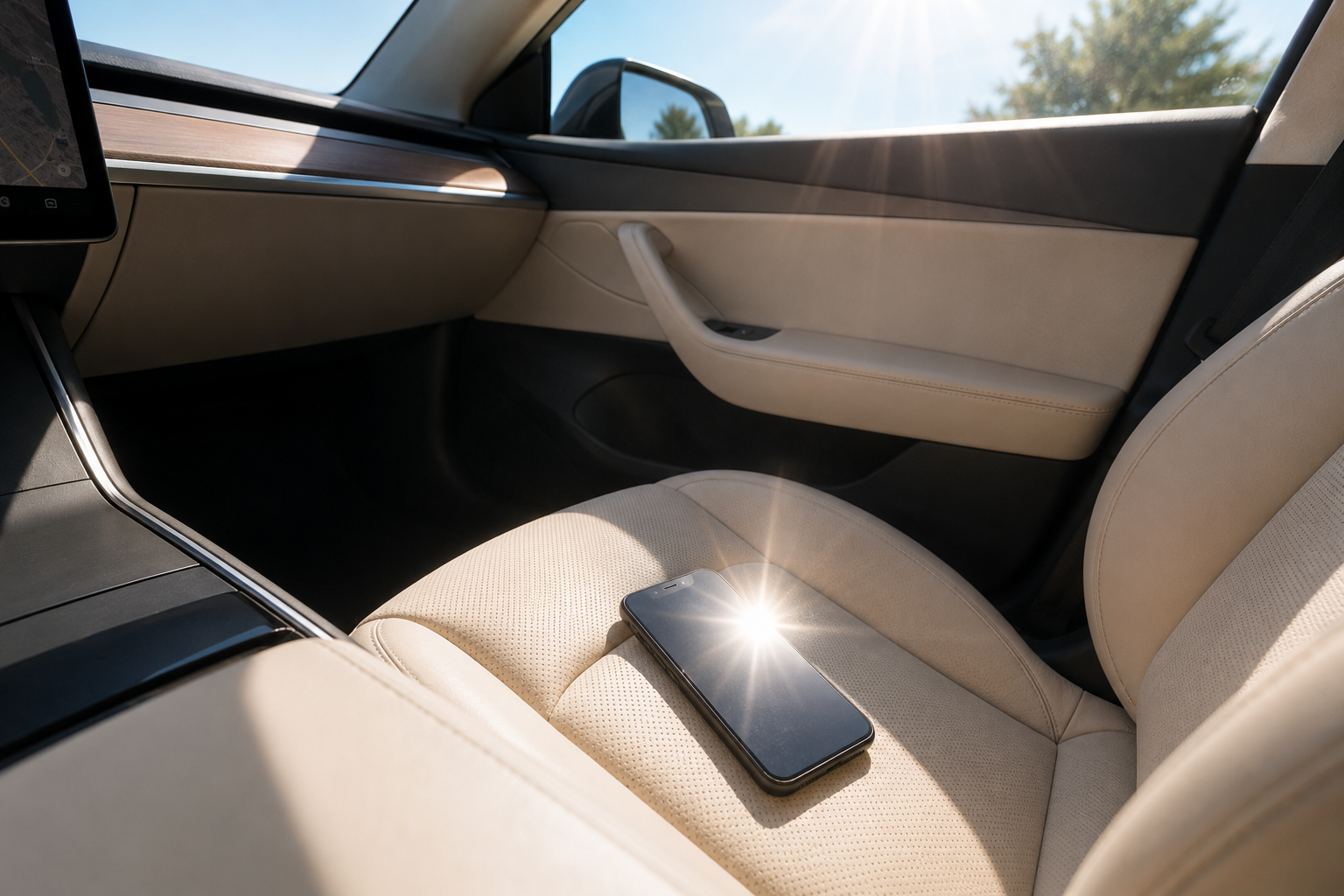
A phone left in direct sunlight inside a car can overheat and put important data at risk, especially during hot summer weather.