November 16, 2026
You plug in an external hard drive, USB flash drive, SD card, or backup drive, and instead of seeing your files, the computer displays a warning:
“You need to format the disk before you can use it.”
A camera can show a similar message.
A Mac can report that the disk is not readable and offer to initialize or erase it.
Windows can show the device as RAW, unreadable, or inaccessible.
The files were there before, but now the device looks empty, damaged, or impossible to open.
The most important first step is simple: do not click format if you need the files.
If a drive asks to be formatted, it does not automatically mean the data is gone. The warning usually means the computer, camera, or operating system can no longer correctly read the file system, partition information, or storage device. Depending on the cause and what has happened since the warning appeared, the files may still be recoverable.
what does a format warning actually mean.
A storage device needs a readable file system so the operating system can locate folders, filenames, and data.
If that file system becomes corrupted or important structures become unreadable, the computer can recognize that a device is connected but still be unable to understand its contents.
Instead of displaying your files, it can suggest formatting the device so that a new file system can be created.
That does not mean formatting is the correct next step if the existing files are important.
The problem can be logical, such as damaged file-system structures or partition information. It can also be caused by an underlying hardware problem, such as unstable sectors, flash-memory failure, controller problems, or physical damage.
why you should not click format.
Formatting creates a new file system on the device.
That can replace or overwrite structures that are useful when reconstructing the original files and folders. Even a quick format can complicate recovery.
The risk is especially important with SSDs and other flash-based storage because erasing or formatting can trigger processes that reduce the amount of recoverable data.
If Windows, macOS, a camera, or another device asks you to format, erase, initialize, or repair storage containing important files, cancel the operation.
Do not format the device simply because the computer says it needs to be formatted.
why does a drive suddenly ask to be formatted.
There are several possible causes.
File-system corruption
The structure that organizes files and folders can become damaged after an improper shutdown, interrupted transfer, software problem, unsafe removal, or other error.
Bad sectors or unstable hard-drive media
A hard drive can develop weak or unreadable sectors. If those sectors contain important file-system information, the drive can suddenly appear RAW or ask to be formatted.
USB enclosure, bridge, connector, or cable problems
An external hard drive can sometimes become inaccessible because of a damaged USB interface, enclosure electronics, connector, or related hardware.
Partition damage
If the partition table or other important disk structures are damaged, the operating system can detect the physical device without correctly identifying the volume containing your files.
USB flash drive or memory card failure
USB flash drives, SD cards, microSD cards, and camera cards rely on flash memory and controllers. Controller problems, memory degradation, corruption, or physical damage can make the storage appear unreadable.
SSD problems
An SSD can become inaccessible because of controller failure, firmware problems, NAND flash degradation, file-system corruption, or other electronic issues. Formatting or erasing an SSD can further reduce recovery possibilities because of TRIM and other internal processes.
Backup-drive problems
A backup drive or Time Machine disk asking to be formatted can have simple file-system corruption, but the warning can also be the first sign of a deeper hardware problem.
common messages you might see.
The exact warning depends on the computer and operating system.
Windows can display messages such as:
“You need to format the disk before you can use it.”
“The volume does not contain a recognized file system.”
“The parameter is incorrect.”
“Location is not available.”
A Mac can display:
“The disk you attached was not readable by this computer.”
A camera, recorder, or other device can simply report that the card is unreadable, unsupported, corrupted, or needs to be formatted.
Although the wording differs, the important issue is the same: the system cannot correctly access the existing storage structure.
can data be recovered from a drive asking to be formatted.
Often, yes.
Recovery chances are generally better if the device has not been formatted, erased, repaired, or reused and the original data has not been overwritten.
A format warning can occur even while most or all of the original file data remains physically present.
The recovery process depends on what caused the problem.
With a logically damaged device, it can be possible to reconstruct the file system or locate files from a controlled sector-by-sector image.
With an unstable or physically failing hard drive, the priority is first to stabilize the device and capture as much readable data as possible before working with the file system.
With USB flash drives, SD cards, and other flash storage, recovery depends on the condition of the controller and memory.
Recovery becomes more difficult after additional changes are made to the original storage, including formatting, copying new files to it, running repair operations, repeatedly reconnecting an unstable device, reusing a memory card, or triggering erase processes on an SSD.
what should you do if the drive asks to be formatted.
If the files are important:
Cancel Format, Erase, Initialize, or Repair.
Stop using the device.
Safely disconnect it from the computer.
Do not copy new files to it.
Do not save recovered files back to the same device.
If it is an SD or microSD card, stop using the camera, phone, drone, dashcam, or other device containing the card.
If the storage behaves abnormally, avoid repeated testing or repair attempts.
If the device is a mechanically failing hard drive, stop using it. Continued use can make the damage worse. Clicking, beeping, repeated disconnections, freezing, extreme slowness, or repeated spin-up attempts are signs that additional testing should stop.
Our San Jose lab provides professional hard drive data recovery for unreadable and failing drives.
why DIY repair attempts can make recovery harder.
A format warning does not tell you whether the problem is purely logical or whether the storage itself is failing.
That distinction is important.
Recovery software assumes that the device can continue reading data reliably. A physically unstable drive can deteriorate while software repeatedly scans the same damaged areas.
Do not continue DIY recovery attempts if the device:
clicks, beeps, or makes unusual noises
repeatedly disconnects
becomes extremely slow
freezes the computer
is detected inconsistently
shows the wrong capacity
has suffered liquid, impact, fire, overheating, or power damage
For unstable storage, the safer recovery approach is to first stabilize the device, create a controlled recovery image, and perform file-system reconstruction or file recovery from that copy rather than repeatedly working with the original.
The same caution applies to damaged USB flash drives, SD cards, and other flash storage. Our photo and flash memory recovery service covers unreadable and damaged flash media used in cameras, phones, drones, and other devices.
what if a business drive, backup, RAID, or NAS asks to be formatted.
Formatting warnings are especially important on business storage because the affected device can be part of a larger storage configuration.
Do not rebuild, reinitialize, reformat, or replace RAID, NAS, server, or shared-storage drives without first understanding why the volume became inaccessible.
A failed drive, incorrect RAID configuration, rebuild problem, file-system corruption, controller issue, or multiple degraded disks can all result in inaccessible storage.
Making changes before the original configuration is documented can complicate reconstruction.
If business data is important, stop making changes and preserve the original drives and configuration information.
why local evaluation matters.
A format warning can come from a simple file-system problem, but it can also be the first visible sign of a deeper hardware failure.
Professional evaluation helps determine whether the device is logically damaged, physically unstable, affected by bad sectors, suffering from flash-memory failure, or showing signs of controller or firmware problems.
For Bay Area customers, local evaluation also means the device can be brought directly to our San Jose lab instead of being shipped out of the area or passed through third-party locations. This reduces unnecessary handling, gives customers direct access to the lab evaluating the storage, and keeps the evaluation and recovery work in-house at one location.
Our San Jose data recovery lab evaluates hard drives, SSDs, USB flash drives, SD cards, memory cards, Macs, backup drives, RAID systems, and other storage devices that are no longer readable.
The goal is to recover the important files while avoiding unnecessary changes to the original storage.
If a drive, USB flash drive, SD card, or backup device asks to be formatted, treat it as a warning, not an instruction. Do not format the device if you need the files. Stop using it, avoid repair attempts, and protect the original media before additional activity overwrites or damages the data you need.
We offer free data recovery evaluations at our San Jose lab for customers across Silicon Valley and the San Francisco Bay Area. If your device is asking to be formatted and the files are important, our engineers can evaluate the storage and determine the safest recovery approach.
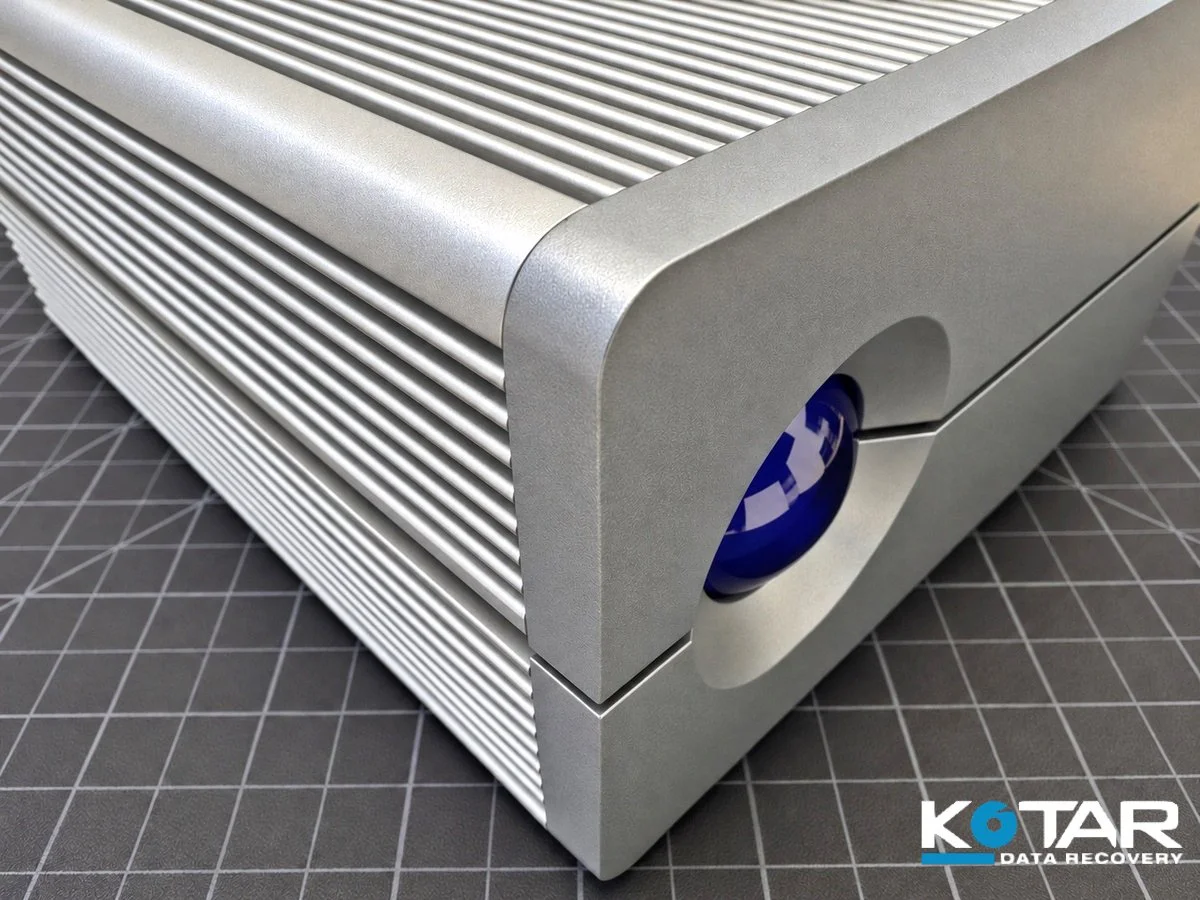
External hard drive featured in Kotar Data Recovery’s guide to format warnings, unreadable drives, and professional data recovery.