
Phone Stuck In A Boot Loop? Do Not Factory Reset.
October 26, 2026
If your iPhone or Android phone keeps restarting, freezes on the Apple or Android logo, or never fully starts, avoid a factory reset if you need the files. Our San Jose lab provides professional smartphone data recovery for phones affected by boot loops and other startup failures.
Why does a phone get stuck in a boot loop?
Common causes include failed iOS or Android updates, corrupted system files, logic-board problems, power-management failures, and internal storage damage.
The symptoms may look similar, but recovery options depend on the underlying cause.
Can data be recovered from a boot-looping phone?
In many cases, photos, videos, messages, contacts, and documents may still be recoverable.
However, modern smartphones use encrypted storage. Successful recovery often requires restoring enough functionality to the original device to access its data with the necessary credentials.
Recovery possibilities depend on the phone model, damage, encryption, and storage condition.
What should you avoid?
Do not factory reset, force a restore, flash firmware, or attempt repeated software repairs if important data is not backed up.
These actions can permanently erase files or remove access to the original data. If the phone is physically damaged, overheating, or affected by liquid, avoid further charging or power-on attempts.
Professional smartphone data recovery in San Jose.
At our in-house San Jose laboratory, Kotar Data Recovery engineers evaluate iPhone and Android devices for customers across Silicon Valley and the San Francisco Bay Area.
We provide a free professional evaluation, explain the available recovery options, and offer a fixed quote before recovery work begins, backed by our no data, no fee guarantee.
Before any reset or restore, contact us for a free evaluation of the safest way to recover your data.
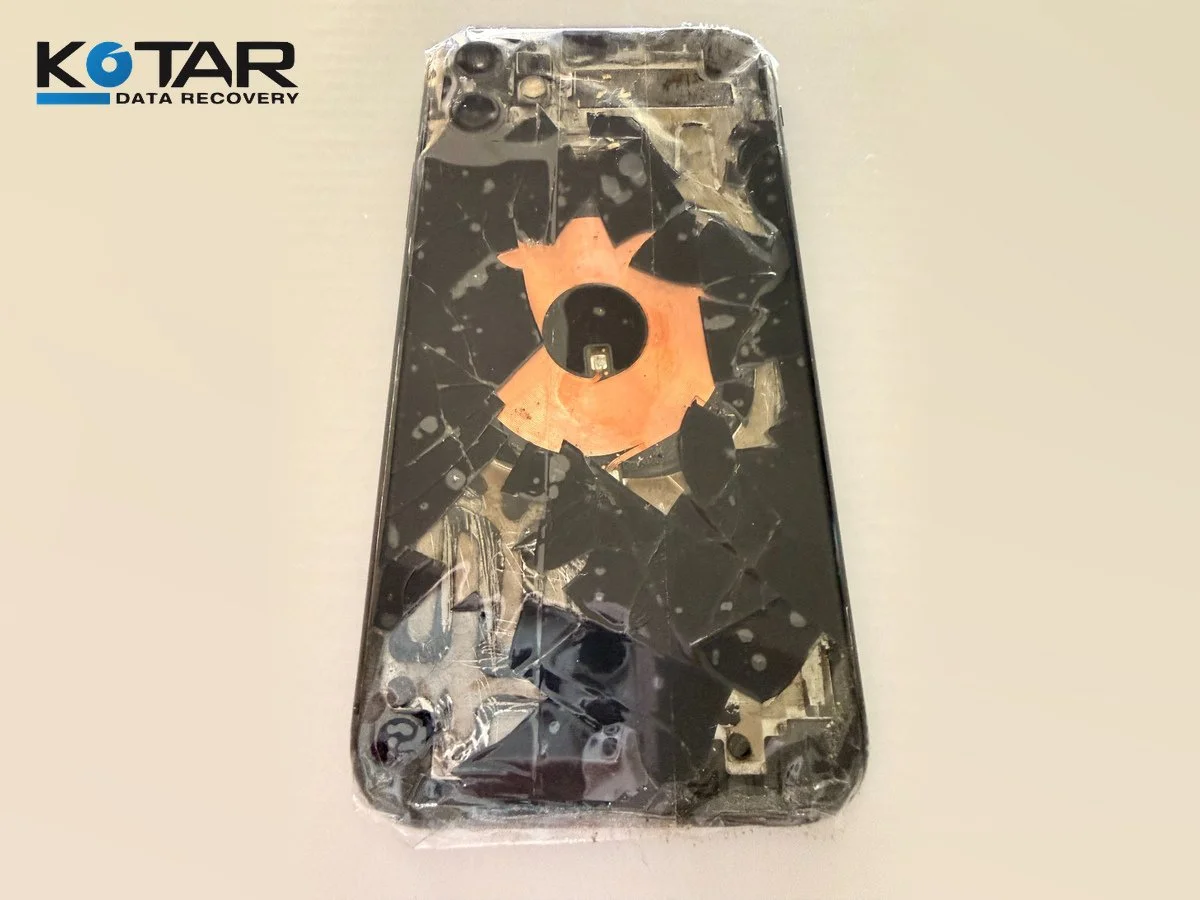
Damaged smartphone with fractured rear glass and visible internal components.