
September 14, 2026
Clicking, beeping, grinding, or repeated spin-up attempts can indicate that a hard drive is experiencing a mechanical problem.
What should you do if your hard drive begins making unusual sounds? Turn it off and stop using it. Repeatedly powering on a mechanically failing drive may cause additional damage and reduce the available recovery options.
Our San Jose data recovery lab provides professional hard drive data recovery for failed internal and external hard drives, including clicking, damaged, unstable, and undetected drives.
Each drive is evaluated to determine the cause of the failure and the safest available recovery approach. We serve individuals and businesses throughout San Jose, Silicon Valley, the San Francisco Bay Area, and beyond.
If your hard drive is clicking, beeping, grinding, repeatedly spinning up, or no longer detected, contact us for a free professional data recovery evaluation.
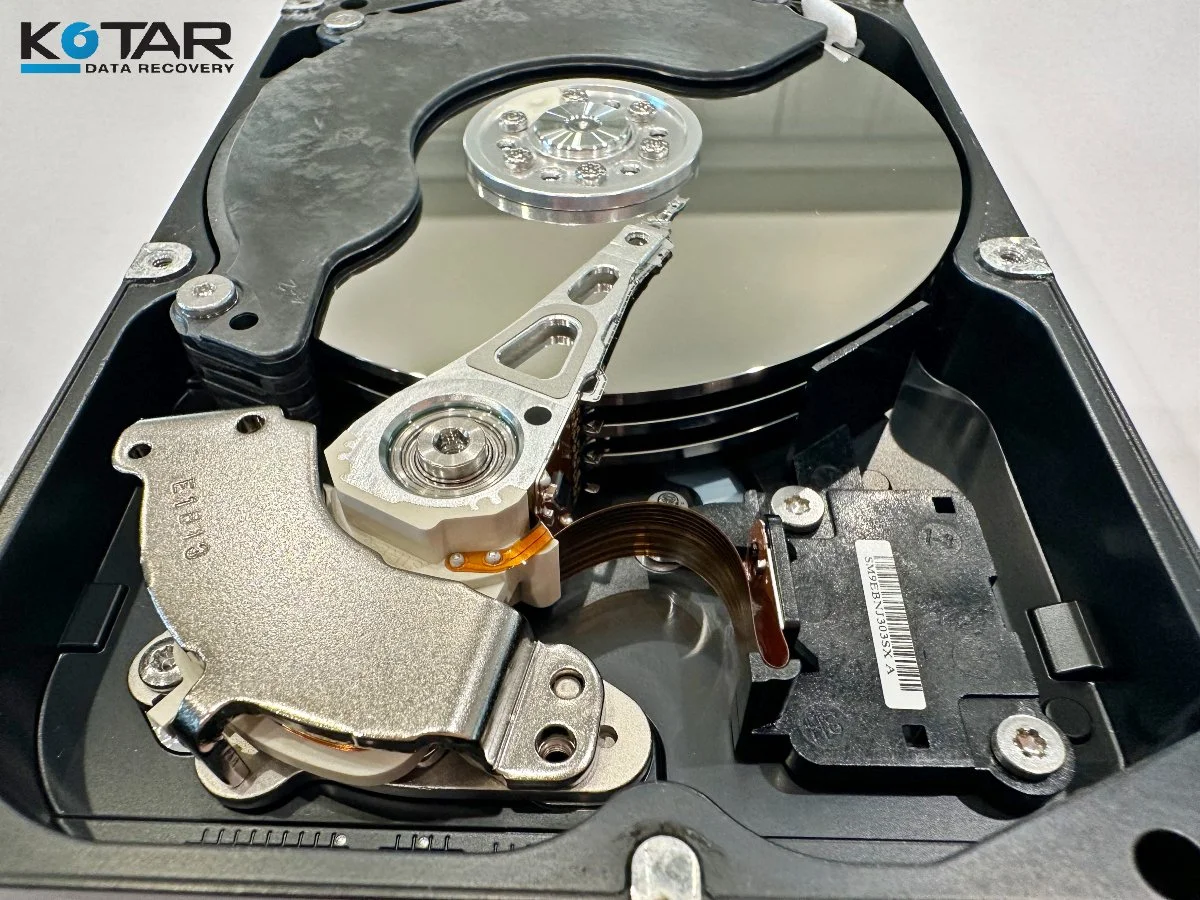
Close-up of a failed hard drive being examined for professional data recovery at a San Jose laboratory serving the San Francisco Bay Area.