
BitLocker Data Recovery in San Jose and the Bay Area
August 17, 2026
Can a Windows drive appear healthy while its files remain completely inaccessible? Yes. BitLocker encryption may be protecting the volume even when the SSD or external hard drive is still detected normally.
BitLocker is a Windows drive-encryption feature designed to prevent unauthorized access. A recovery-key screen, file-system corruption, partition damage, or a failing storage device can leave important documents, photos, databases, and business files unavailable. In some cases, encryption and physical or logical drive problems occur together.
If the data matters, stop using the drive. Do not format or initialize it, reinstall Windows, change partitions, or run repair utilities. These actions may complicate recovery or overwrite information needed during the evaluation.
Keep the BitLocker recovery key secure. Do not publish it or send it through an insecure channel. Strong BitLocker encryption cannot legitimately be bypassed, so a valid recovery key or another authorized unlock method may be required to decrypt recovered data.
At our San Jose data recovery lab, we evaluate BitLocker-encrypted Windows computers, SSDs, hard drives, and external storage for clients throughout Silicon Valley and the San Francisco Bay Area. We determine whether the problem involves encryption, storage failure, corruption, or a combination of issues, then explain the safest available recovery approach.
Contact us for a professional evaluation and BitLocker data recovery in San Jose.
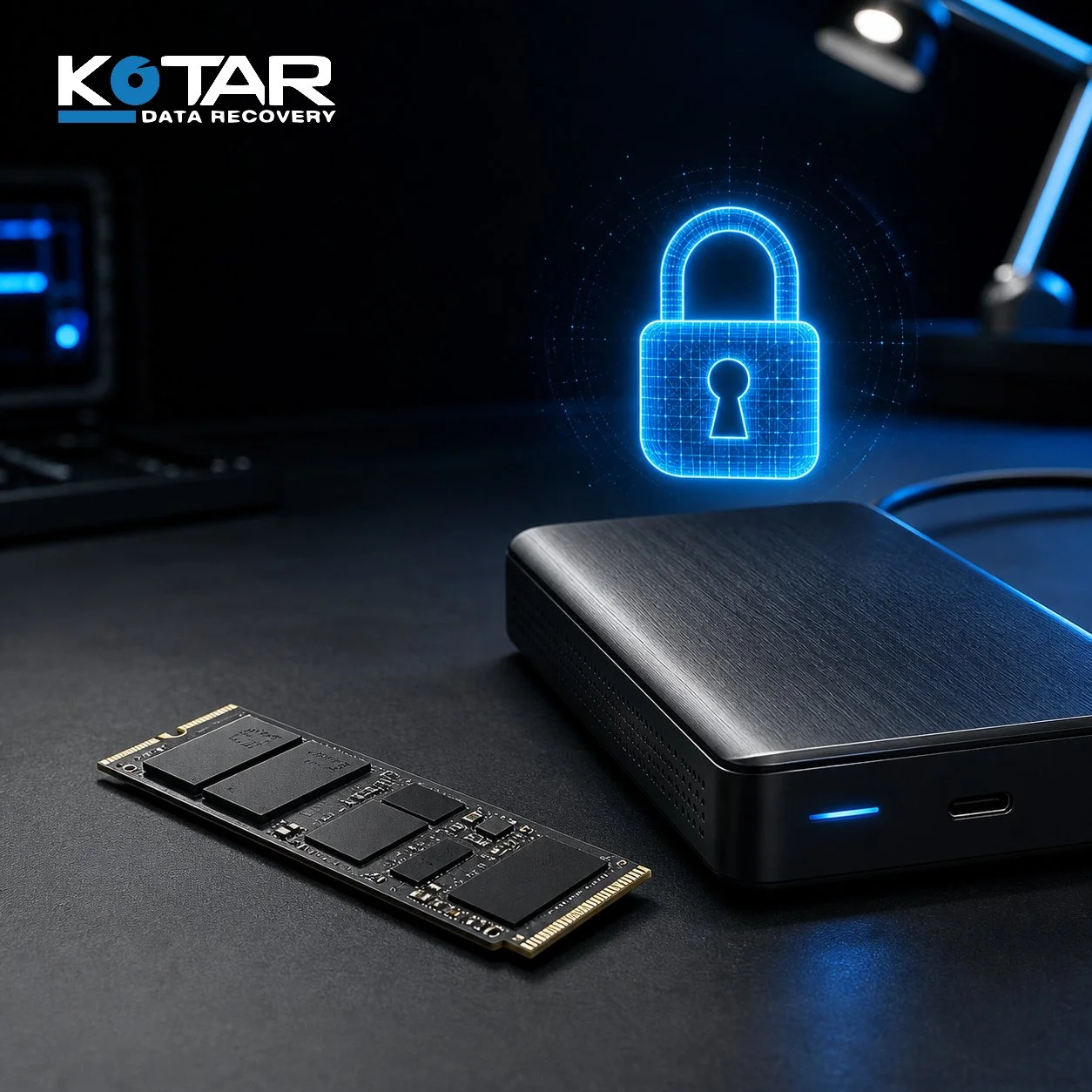
Professional evaluation can determine whether inaccessible BitLocker data is caused by encryption, storage failure, corruption, or a combination of issues.