
cloud data recovery in san jose & the bay area
cloud storage, failed sync, backup, database & business cloud recovery
Deleted files, missing folders, overwritten versions, failed syncs, damaged backups, inaccessible databases, and cloud-connected business data may still be recoverable when usable copies, backups, snapshots, exports, version history, or synchronized storage remain available.
With 26+ years of data recovery experience, Kotar Data Recovery helps businesses, IT teams, professionals, and individuals in San Jose and across the Bay Area recover cloud-related data from supported storage platforms, synchronized devices, backups, databases, virtual systems, and locally connected storage.
Cloud recovery begins by identifying the available sources of the missing data, including cloud versions, backups, snapshots, synchronized computers, exported archives, local storage, and application data. We then explain the available recovery options and provide a fixed quote before work begins.
why cloud data can still be recoverable
Cloud platforms use redundant infrastructure, but files and business data can still become inaccessible after accidental deletion, failed synchronization, overwritten versions, ransomware, permission changes, incomplete backups, application errors, user mistakes, or database problems.
In many cloud-related cases, recovery does not depend on a single storage source. Older versions may remain in backup systems, local synchronized folders, snapshots, exports, virtual machines, external drives, or other connected storage.
Our recovery process focuses on preserving available copies, reviewing relevant metadata and logs, identifying the safest recovery source, and reconstructing accessible files, folders, databases, backups, or application data.
supported cloud and synchronized storage environments
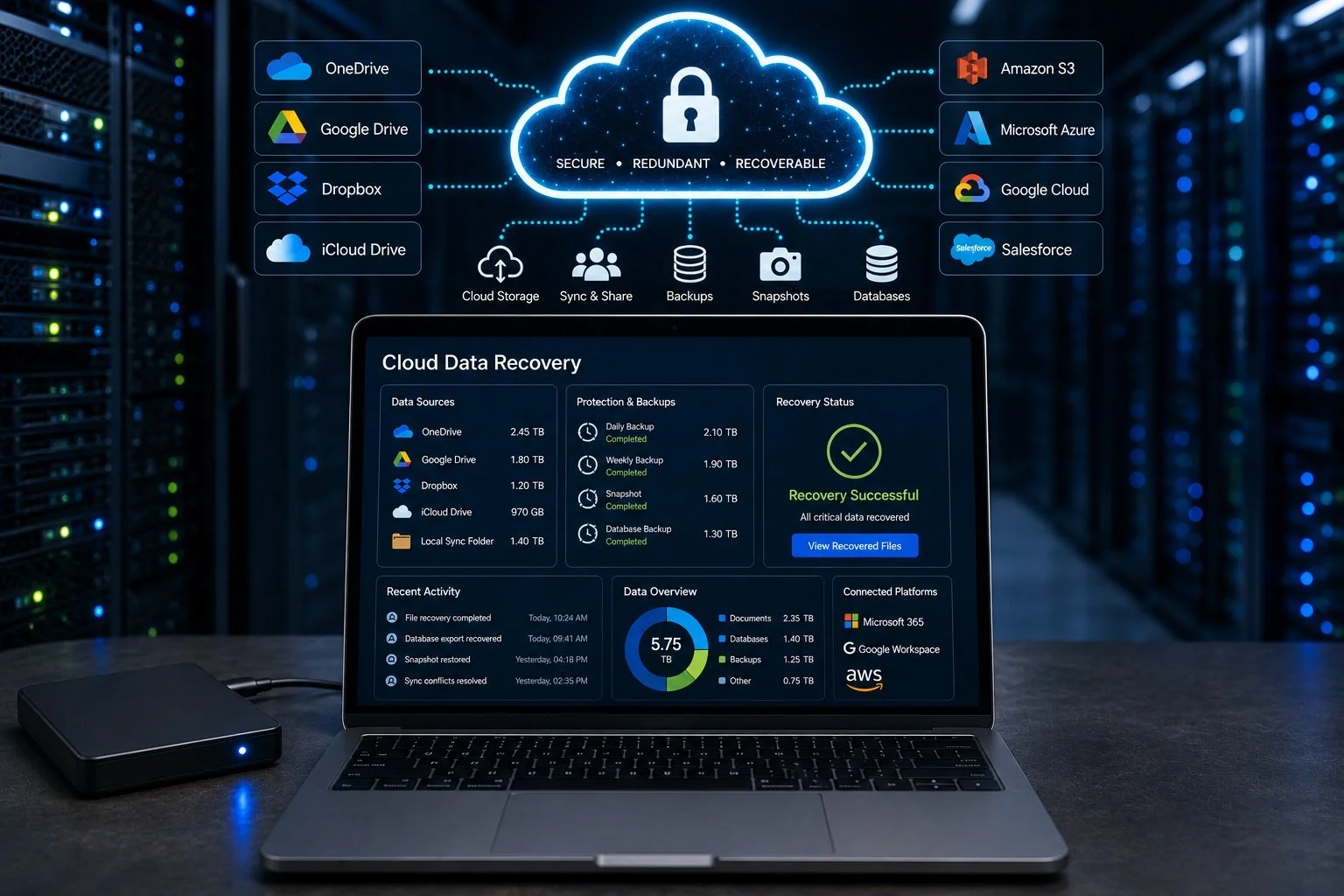
Cloud storage and synchronization including Google Drive, Microsoft OneDrive, Dropbox, iCloud Drive, and locally synchronized folders
Microsoft 365 and Google Workspace data when recoverable copies, exports, backups, synchronized files, or available version history can be accessed
Cloud-hosted storage including supported Amazon Web Services, Microsoft Azure, Google Cloud, and other hosted storage environments
Cloud backups and snapshots affected by failed restores, missing versions, deleted backups, incomplete exports, or damaged source storage
Cloud-connected databases where recoverable copies, exports, snapshots, transaction data, or underlying storage remain available
SaaS and business application data when authorized exports, backups, synchronized copies, or other recoverable data sources are available
Local cloud-sync storage on desktops, laptops, servers, NAS systems, external drives, and other devices containing synchronized or cached copies
cloud data sources we evaluate
Version history that may contain earlier copies of changed or replaced files
Deleted-item retention where files or folders remain available within provider retention periods
Cloud snapshots containing earlier states of storage volumes, virtual machines, or databases
Backup repositories containing scheduled backups, exported archives, replicated data, or historical copies
Synchronized computers and devices that may retain older or locally cached versions of cloud files
Local servers and NAS systems containing synchronized folders, application data, or cloud-connected backups
Virtual machines and hosted volumes containing cloud application files, databases, or business data
Exported archives and database dumps created before the data-loss event
common cloud data loss situations we recover from
Accidentally deleted cloud files or folders affecting personal, shared, project, or business data
Overwritten file versions caused by synchronization conflicts, user changes, automation, or incorrect uploads
Failed cloud synchronization leaving outdated, incomplete, duplicated, or missing files across connected devices
Deleted or damaged backups where normal restore operations no longer provide the required data
Failed snapshot or restore operation leaving incomplete volumes, missing files, or inaccessible application data
Database deletion or corruption affecting tables, records, exports, backups, or cloud-hosted application data
Ransomware or malware synchronization spreading encrypted or damaged files between local devices and cloud folders
Missing shared-folder data after account, permission, synchronization, or collaboration changes
Incomplete data migration between cloud accounts, storage platforms, servers, or business applications
Cloud-connected storage failure involving local computers, NAS systems, servers, RAID arrays, external drives, or virtual machines
cloud sync data recovery
Synchronization can quickly copy deletions, overwritten files, corruption, or ransomware changes between cloud storage and connected computers.
If important files disappear after a synchronization problem, pause syncing when possible and avoid making additional changes to affected folders.
Recovery may involve comparing cloud version history, local synchronized folders, other connected computers, backups, external storage, and available metadata to identify the best surviving copy.
cloud backup and snapshot recovery
Cloud backups and snapshots can become incomplete, corrupted, deleted, overwritten, or unusable after failed restore operations, configuration changes, storage problems, or application errors.
Recovery may involve reviewing available backup sets, snapshots, exported archives, local repositories, virtual disks, and connected storage to determine which source contains the most complete usable data.
Avoid repeatedly overwriting backup destinations or replacing older snapshots until the available recovery sources have been reviewed.
cloud database recovery
Business databases can become inaccessible after dropped tables, deleted records, failed migrations, application errors, ransomware, corrupted exports, unsuccessful restores, or database-level corruption.
Depending on the environment, recoverable data may remain in database backups, snapshots, transaction logs, exported files, replicated copies, or other available database sources.
Our recovery process evaluates the available database structures and recovery sources before determining the safest path to accessible records.
business cloud data recovery
Cloud data loss can interrupt access to shared folders, client documents, accounting files, project data, SaaS content, team collaboration files, and other operational information.
We help Bay Area businesses and IT teams identify recoverable copies across cloud platforms, synchronized computers, local storage, backup systems, servers, NAS devices, and other connected business environments.
Business recovery cases are handled using secure procedures, clear communication, and careful preservation of available files, backups, logs, metadata, and storage sources.
credentials and authorization for cloud recovery
Cloud recovery may require authorized access to the affected account, storage platform, backup system, database, or synchronized device.
Depending on the environment, recovery may require:
Valid account credentials
Administrator or authorized user access
Backup or encryption keys when applicable
Access to synchronized computers or local storage
Available exports, snapshots, logs, or backup repositories
We do not bypass cloud-provider authentication or account security. Recovery is performed using authorized access and available recovery sources.
signs of cloud data loss or sync failure
Files or folders disappear from cloud storage
Different devices show different versions of the same folder
Shared folders contain missing or outdated data
Version history is incomplete or unavailable
Cloud backups or restore operations fail
Synced files become corrupted or unreadable
Ransomware changes appear across synchronized devices
Unexpected duplicate or conflicting files appear
Database records or application data disappear
A migration or synchronization job stops before completion
Cloud-connected local storage becomes inaccessible
Snapshots or exported backups no longer restore correctly
what you should do and not do
Pause synchronization when possible if deleted, corrupted, replaced, or ransomware-affected data is spreading between devices
Stop unnecessary changes to affected cloud folders, databases, backups, and connected storage
Preserve computers and devices that may contain older synchronized copies instead of continuing normal use
Document the data-loss event including timestamps, account activity, recent changes, synchronization errors, and affected users
Preserve available logs and metadata before changing cloud settings or deleting system records
Copy still-accessible data to a separate safe location when this can be done without changing the affected source
Do not overwrite older backups or snapshots until their recovery value has been evaluated
Do not repeatedly restore over the same destination when the first restore attempt fails or returns incomplete data
Preserve account credentials and encryption keys that may be required to access authorized recovery sources
our 3-step cloud data recovery process
Free evaluation and recovery plan - the available cloud sources, backups, synchronized devices, logs, metadata, and storage history are reviewed, and the recovery options and a fixed quote are provided before work begins
Safe data preservation and analysis - available files, backups, snapshots, exports, synchronized folders, databases, and local storage sources are protected and evaluated to identify the safest recovery path
Data reconstruction and verification - accessible files, folders, databases, backups, application data, and recovered versions are reconstructed and checked before delivery
how fast do you need your data back?
standard service - recovery during regular business hours
express service - completed in up to 72 hours
24/7 emergency service - round-the-clock recovery on request
why choose kotar for cloud data recovery
26+ years of data recovery experience with business storage, backups, synchronized devices, databases, virtual machines, and cloud-connected data loss
Professional San Jose data recovery lab serving businesses, IT teams, technology companies, professionals, and individuals across the Bay Area
Cross-platform recovery experience involving cloud storage, synchronized folders, SaaS data, virtual systems, backups, databases, servers, NAS systems, and local storage
Recovery based on authorized available sources including backups, snapshots, exports, local synchronized copies, version history, and connected storage
Physical storage recovery performed in-house at our San Jose lab when cloud-related data must be recovered from laptops, servers, NAS systems, external drives, RAID arrays, or other devices
Secure handling for business records, databases, legal documents, healthcare information, financial files, engineering data, confidential projects, and personal information
Clear recovery planning before changes are made to important backup, database, synchronization, or storage environments
Fixed quote before recovery begins so you know the cost before approving the work
24/7 emergency service available on request for urgent recovery cases
cloud data recovery FAQs
Can deleted files be recovered from cloud storage?
Often, yes. Deleted cloud files may remain available through version history, retention features, backups, synchronized computers, exported archives, or other connected storage. Recovery depends on the platform, available copies, retention period, and changes made after deletion.
Can files be recovered after a failed cloud sync?
Often, yes. We evaluate cloud versions, local synchronized folders, connected devices, backups, and other available storage sources to identify copies that existed before the failed synchronization.
Can you recover data from a failed cloud backup or snapshot?
Yes, depending on the available backup sources and underlying storage. Recovery may involve alternate snapshots, exported archives, local backup repositories, virtual disks, synchronized devices, or other copies that remain accessible.
Can you recover cloud data without access to the account?
Recovery may still be possible from authorized local sources such as synchronized computers, backups, exported archives, servers, NAS systems, or other storage containing copies of the cloud data. Direct access to protected cloud accounts requires valid authorization and credentials.
related data recovery services
For RAID arrays, NAS systems, servers, and business storage failures, visit our RAID data recovery page.
For deleted, formatted, missing, or corrupted files, visit our lost file recovery page.
For failed external drives and local backup storage, visit our hard drive data recovery page.
For failed SSD, NVMe, M.2, and solid-state storage, visit our SSD data recovery page.
ready to recover your cloud data?
or
call (408) 455‑4310 to speak with a data recovery expert
or
send us email at restore@kotar.us